On your TV.
Give live TV and your library room to breathe. Clear controls, a programme guide, and navigation built around your remote.
ANDROID TV tivoraJoin Discord
An IPTV player for Android TV and phone.
Connect your own playlist. Watch live TV, movies and series.
Bring your own provider. No channels or subscriptions included.
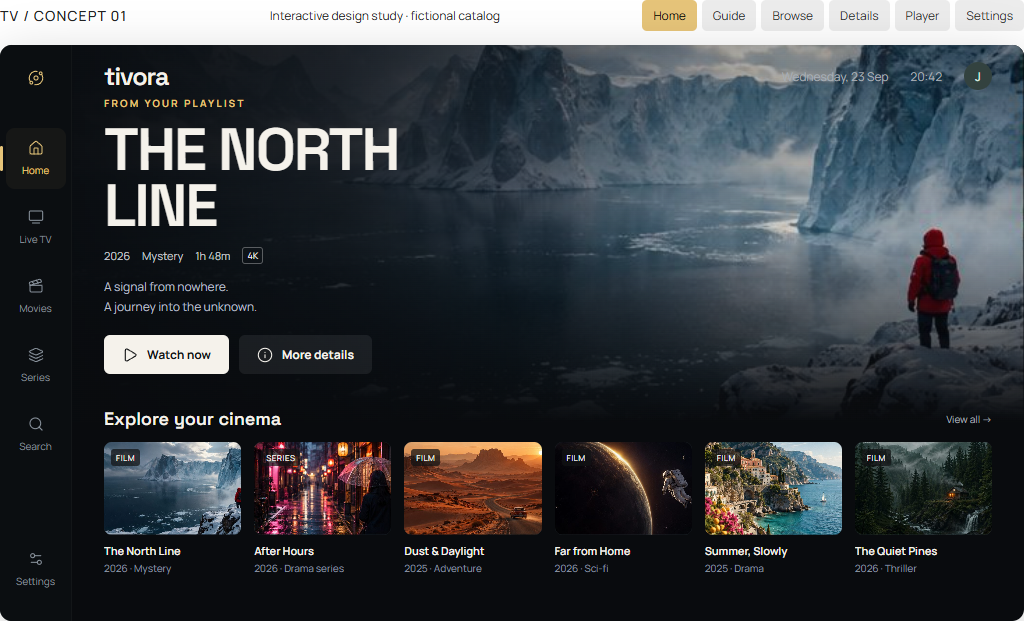
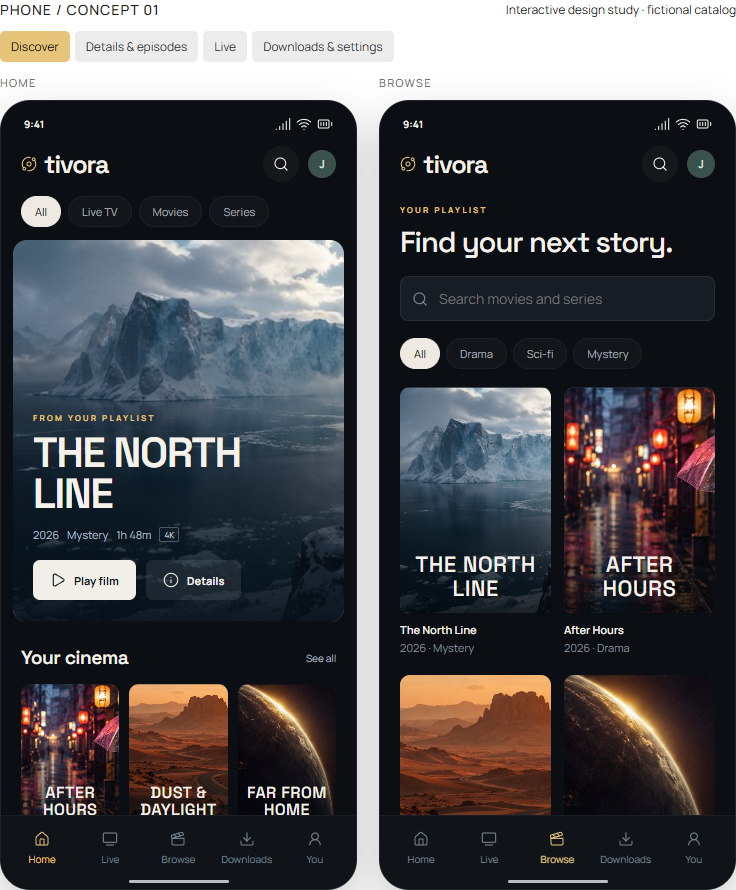
Interface concepts · illustrative catalog
TV and phone apps updated.
Use your remote on TV.
Browse and preview on your phone.
Connect your own content on either device.
Give live TV and your library room to breathe. Clear controls, a programme guide, and navigation built around your remote.
ANDROID TVFind a channel, open its preview, or settle into your saved favorites. Your phone gets its own thoughtful layout.
ANDROID PHONEConnect your existing playlist or provider. Tivora brings the player; the channels, artwork and availability come from your source.
BRING YOUR OWN PROVIDERSmaller downloads for TV and phone. Search text stays visible while typing. Improved browsing of saved titles during catalog and guide updates. More reliable restoration of browsing positions after app updates.
A compact phone channel directory, an on-demand preview sheet, and a dedicated place for favorites, history and continue watching.
Improved remote navigation on the beta activation screen, including phone activation and manual code entry.
We’re inviting testers for Android TV, Android phone, or both. Join our Discord and use the beta access button to apply.
Join the beta on DiscordFree beta access · Manual approval · Your own provider required
Find the Join the beta / My access button in the beta channel.
Choose TV, Phone or Both, and your preferred language. Your application is private.
After review, use the same button for your invitation and app downloads.
We don’t sell TV subscriptions, provide channel lists, or host or proxy your provider’s streams. Tivora plays the sources you add. Use your own recordings or a service that authorizes access through a third-party player.
No. Tivora is a player. You connect your own provider or playlist, and use content you’re authorized to access.
Join our Discord, click Join the beta / My access, and submit your device choice and language. An administrator reviews applications before granting access.
Yes. Choose Both when applying. Your approved device allowance and available downloads are shown in your private beta access details.
The invite-only beta requires an internet connection to verify access. Playback also depends on your provider’s connection and available content.
Open Help & support in Tivora and choose whether to send a private diagnostic report. Bring its reference to Discord with a description of the problem. Never post provider credentials or invitation codes.